 NGL Biathlon
Athlete packs are made by players: they rework the roster, ages, countries and ratings and share the result on our Discord. The questions we get most are where to put the downloaded file and why the pack does not show up in a career that is already running. In NGL Biathlon 2027 you do not copy anything by hand, a pack is installed from inside the game
What a pack is
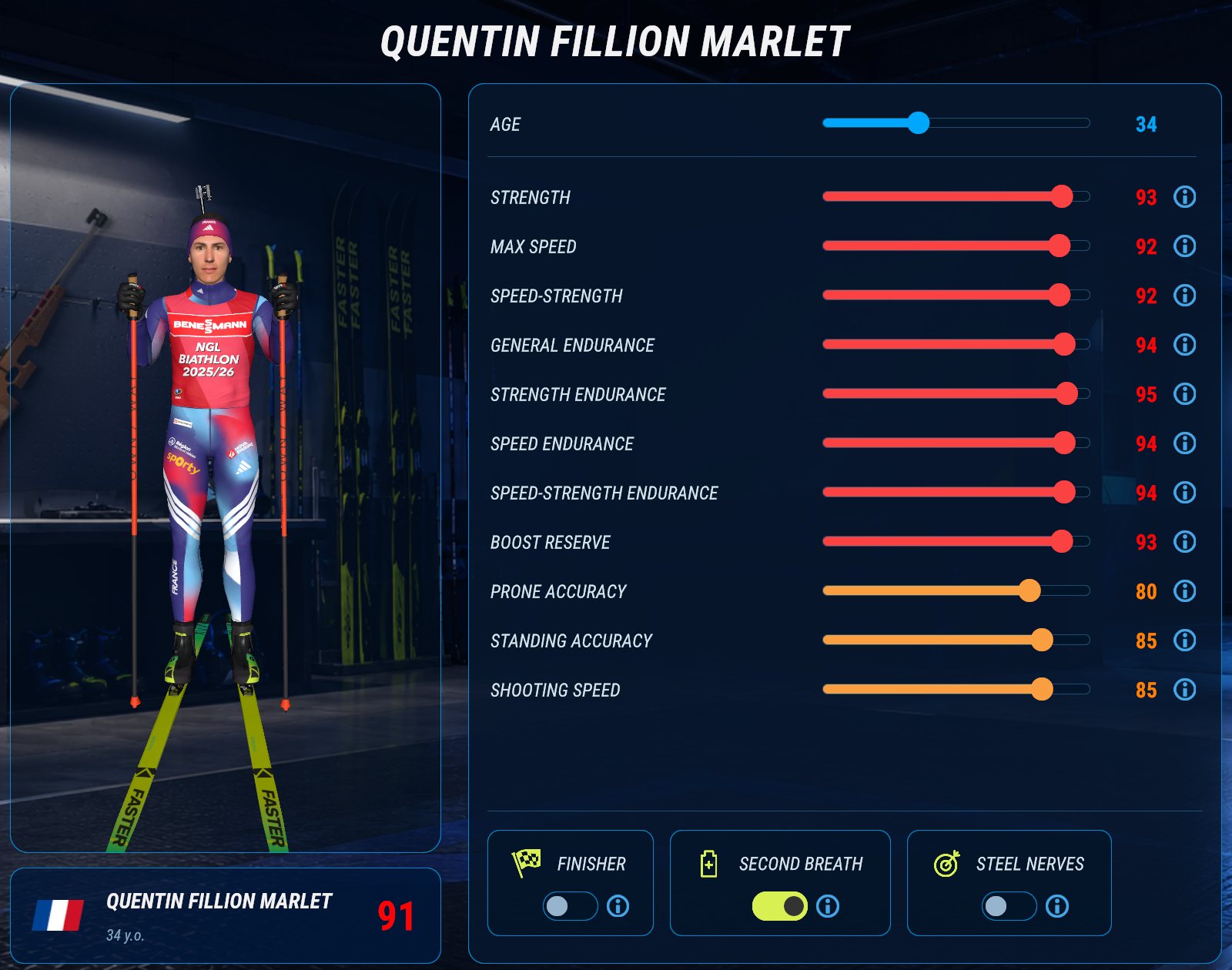
Every save has its own athlete roster, so two saves can hold two different rosters. A pack is exactly that: a save exported to a ZIP archive. Along with the roster, the archive carries everything else the save had, its careers, tournaments and records. A pack can also be just a roster, exported with the "Share roster" button
Installing a pack
The easiest way to install a pack is on the Athletes screen: on the Rosters card, click "Install roster" and pick the archive. The game asks whether to replace the roster of this save with it or create a new save with it. Your careers, tournaments and race rules stay as they are. You can also install a pack as a whole save, with the "Import from ZIP" button in the save list:
- Download the pack archive. There is no need to unpack it, the game takes the ZIP itself
- Open the save list. On launch the game goes straight into your last save, so you need to go back to the list: click the save name in the top right corner of the main screen
- Click "Import from ZIP" below the list and pick the file
- A new save named after the archive appears in the list. Click it, and the game opens with the pack's roster
A pack imported this way never overwrites your saves. It always lands as a separate save, and if the name is already taken the game adds a number to it. Import works on both Windows and Mac
Race rules from a pack
A whole save exported from 2027 also carries its author's race rules: the difficulty level including advanced difficulty, mass start and relay length, shooting and penalty settings, realistic time. If they differ from yours, the game takes them from the archive and tells you so after the import. Race rules come only with a whole save, "Install roster" does not touch them. They are shared by all saves, so after loading a pack check Settings and put your difficulty back if it changed. Language, sound, graphics and mouse sensitivity stay yours
Packs and a career in progress
When a career is created, it remembers all its athletes: names, countries, ages and ratings. From then on the career runs them itself, and athletes age, improve and retire by its rules. That is why a pack does not change the roster of a career already under way: stats, countries and ages stay as the career has them. Only the names can be carried over: in the career's leagues window, click "Names from roster", and the career's athletes get the names from the current roster, yours included. To play with the whole pack, start a new career in its save
A single-season tournament works differently: it takes athletes from the save's roster and sees your edits right away
The game cannot merge two packs into one save, each pack becomes its own save. You can still adjust any roster by hand in the Athletes section: switch athletes off or on, change their ratings, and the Reset button returns an athlete from the standard roster to the original values
Packs from NGL Biathlon 2026
The game reads 2026 saves as they are. A pack exported from 2026 is installed with the same "Import from ZIP" button, and its roster is picked up the first time you open that save. If 2026 is installed on the same computer, the first launch of 2027 copies its saves together with their rosters and shows you the list so you can choose where to start. In 2026 itself they stay where they were
Sharing your roster
It is easiest to build a roster in a separate save. Click "Create" in the save list, enter the new save and edit the athletes in the Athletes section. Then go back to the list and click the square "Export to ZIP" button in that save's row, the button names show up when you hover over them. The game asks where to put the archive and suggests naming it after the save
The whole save is exported, with all careers, tournaments and records and with your race rules. If you want to share just the roster, click "Share roster" on the Rosters card of the Athletes screen: the archive gets the roster only, without careers, tournaments or race rules. Whoever imports the archive gets a new save with the archive's name, so give it a clear one, for example after the season